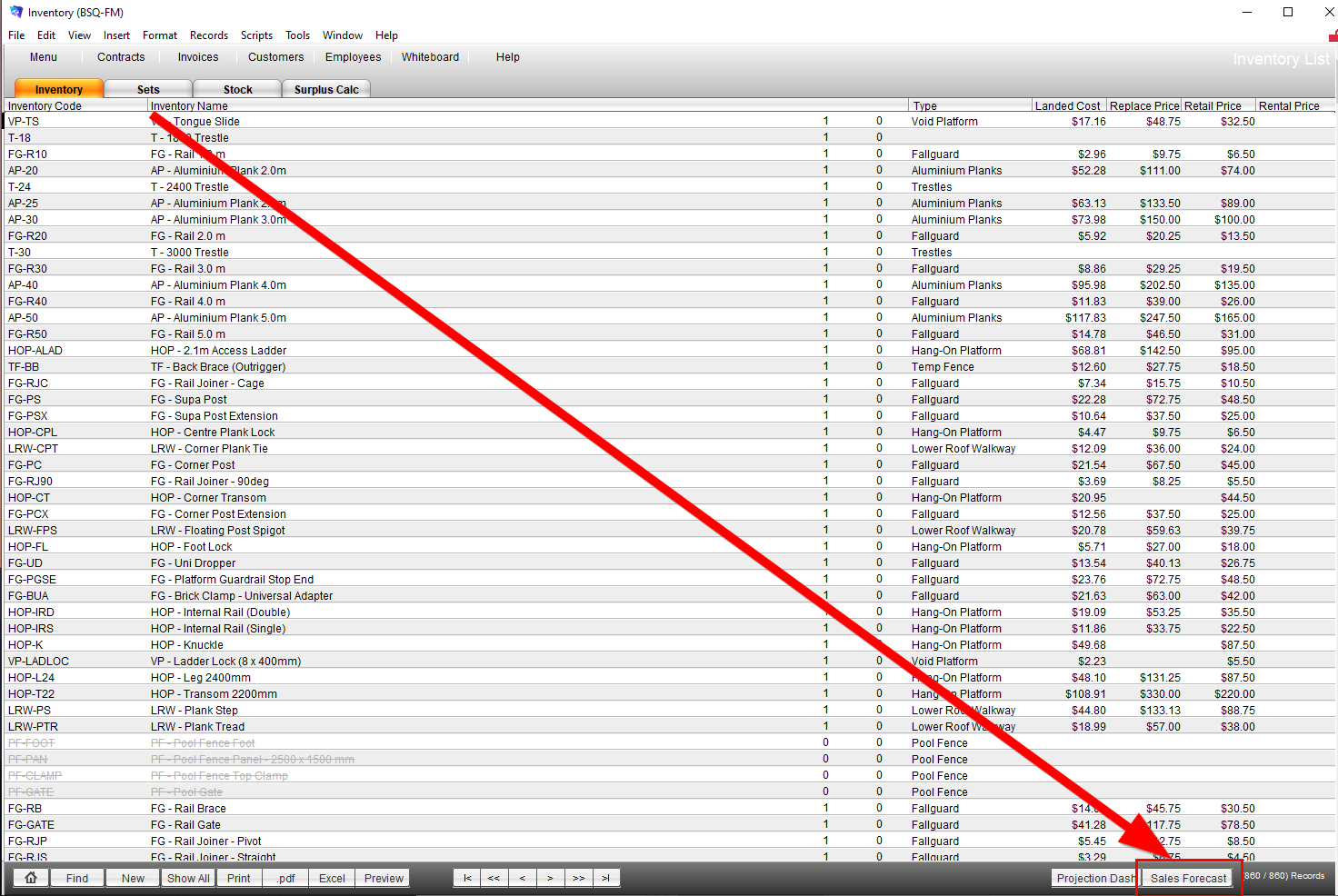
1. Go to Menu -> Inventory -> Sales Forecast
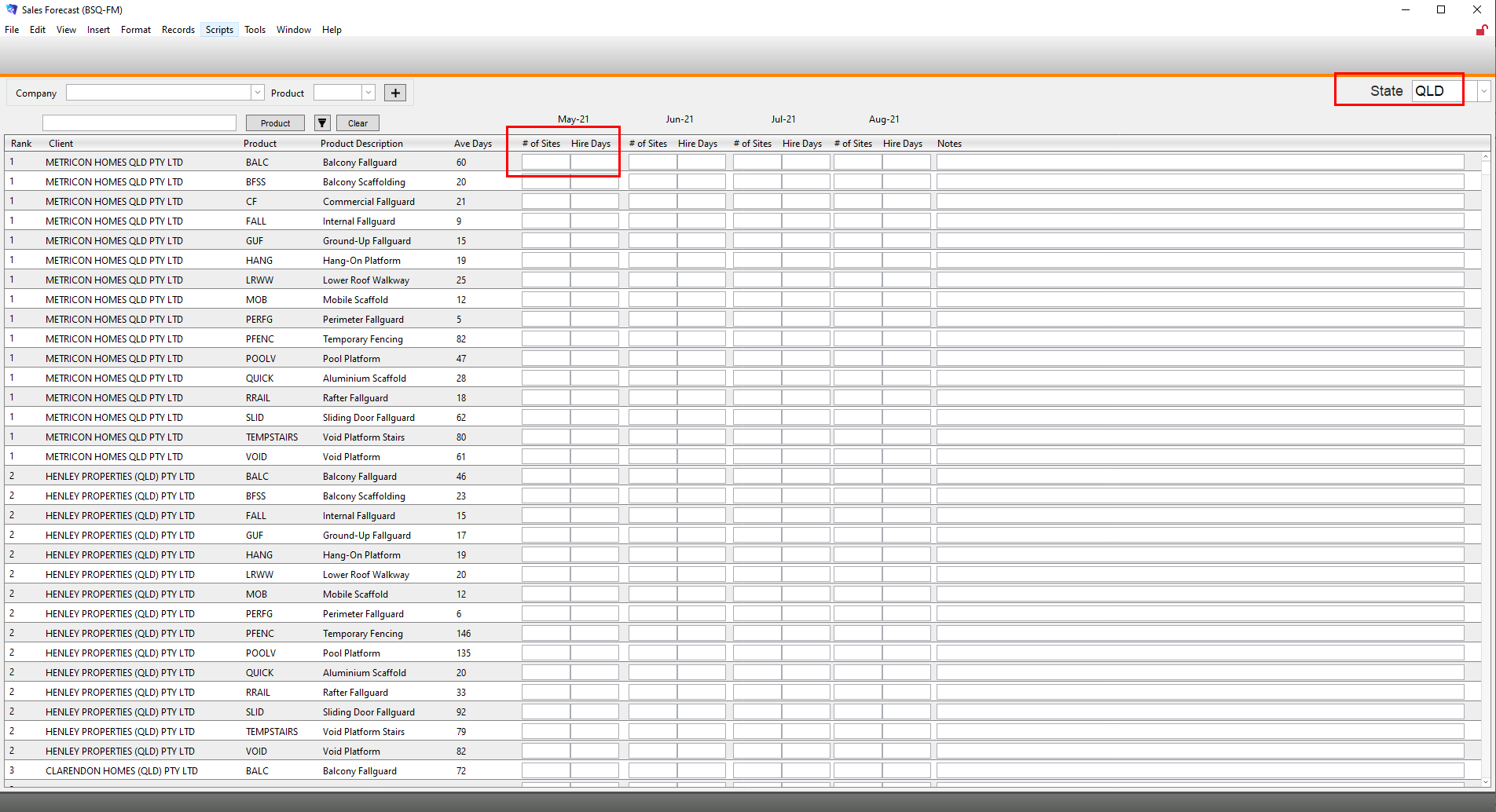
2. Ensure correct date is selected and add # of Sites and Ave hire days (if expected to change) into relevant fields.

Modified on: Tue, 4 May, 2021 at 10:24 AM
1. Go to Menu -> Inventory -> Sales Forecast
2. Ensure correct date is selected and add # of Sites and Ave hire days (if expected to change) into relevant fields.
Did you find it helpful? Yes No
Send feedback